Forced Perspective
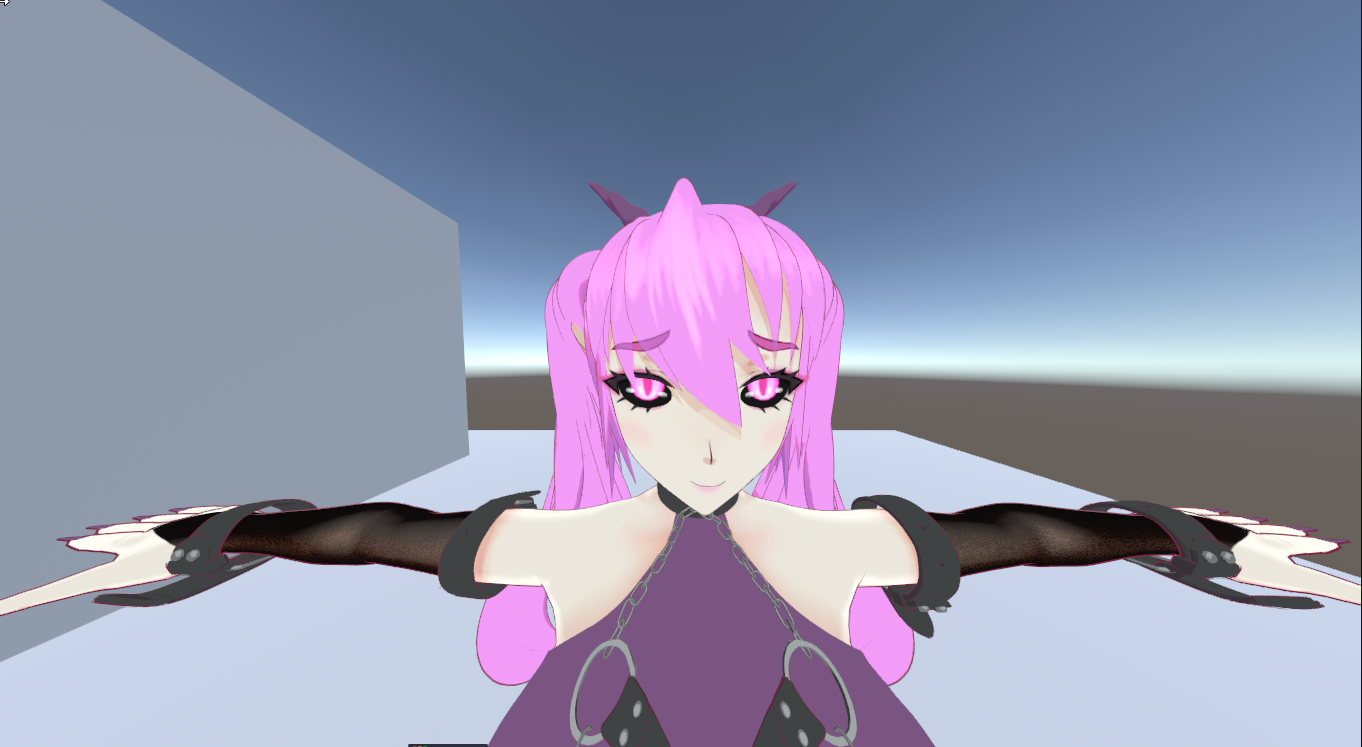
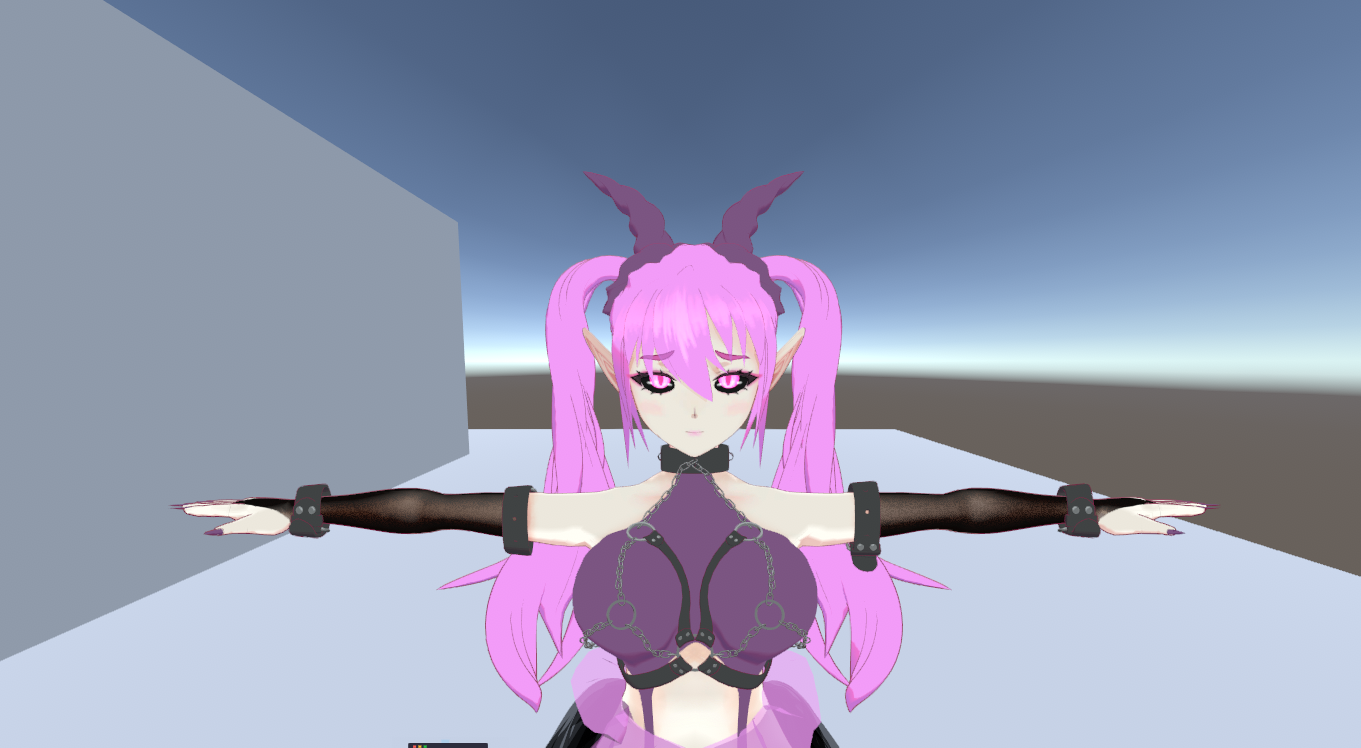
Compresses the character's depth toward an anchor at render time, so a close wide-angle camera renders telephoto-like proportions instead of a stretched face.
The correction is computed per rendering camera in the shader, so multiple cameras each get their own correction at the same time. Outlines compress together with the geometry, shadow casters keep the true shape, and orthographic cameras are unaffected.
Setup
- Bake an Anchor with the Data Baker's Anchor pass (one click — auto-detects the Hips bone).
- Turn on Forced Perspective in the material editor.
- Set Strength.
Settings
- Strength — 0 = off, 1 = strong compression. The slider caps at 1, however values greater than 1 are supported (behaves like orthographic).
- Anchor — the baked anchor, read-only. The inspector warns if the material hasn't been baked yet.
Control Panel
To edit the whole character from one place, open Window → lilEasyFace → lilEasyFace Control Panel, assign the avatar root, and set Forced Perspective enable/strength for every lilEasyFace material under it at once. It writes the material values directly, with undo support.