Experimental features
Use the Experimental tab only after you tune the base retargeting. Test one setting at a time with the motion that you want to improve.
Transfer mode
Open Transfer mode and select Mode:
- Offset copies bone rotations through the T-pose offset.
- Muscle uses muscle conversion. It is similar to Unity Mecanim, but not entirely.
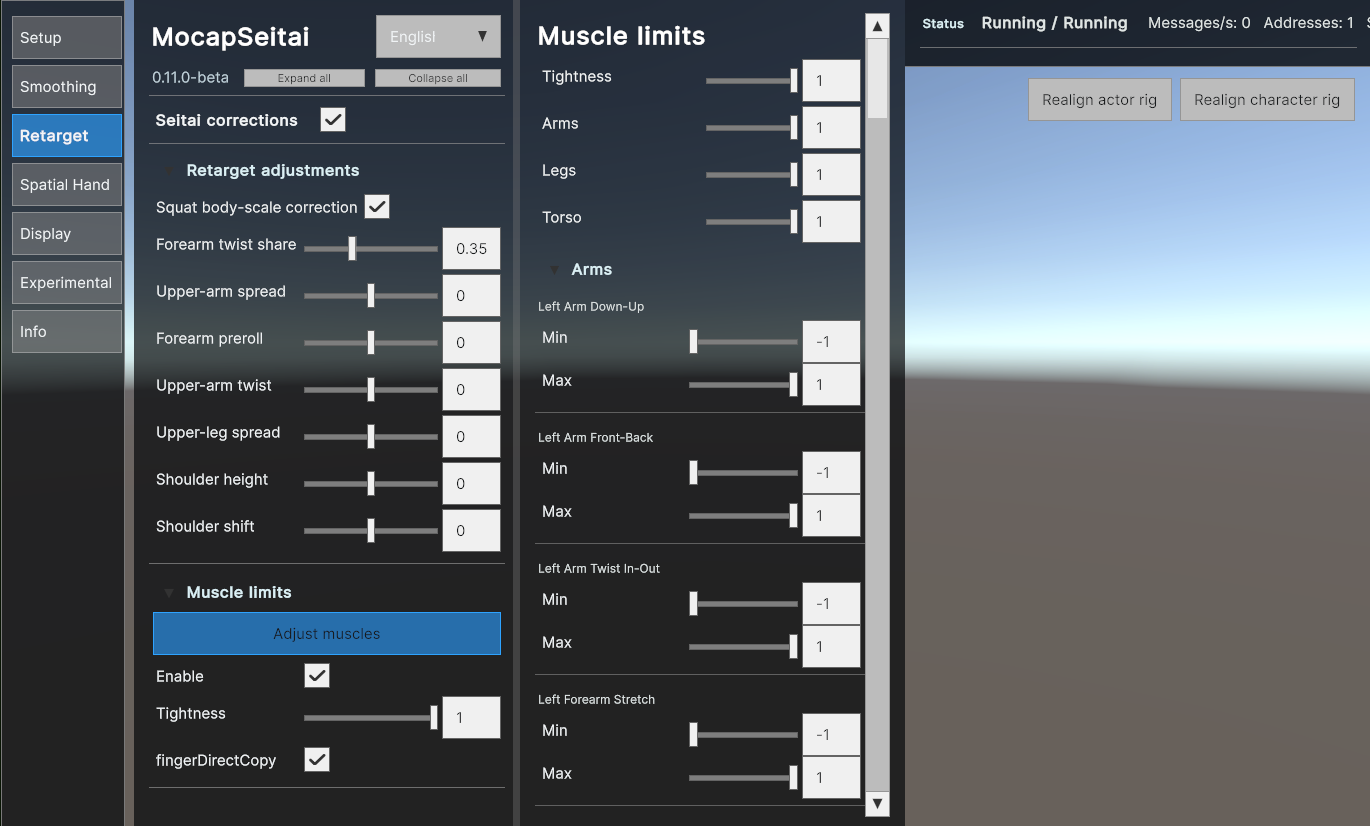
Corrections run in both modes. Muscle limits and Adjust muscles appear in the Retarget tab only in Muscle mode.
Hand anti-penetration
Experimental feature
Hand anti-penetration is a best-effort correction. It can reduce some hand-to-body intersections, but it can change the hand pose. It cannot solve every avatar shape, input quality level, or fast motion.
The shipped default is Off. Enable it only after you tune the base retargeting.
Before and after
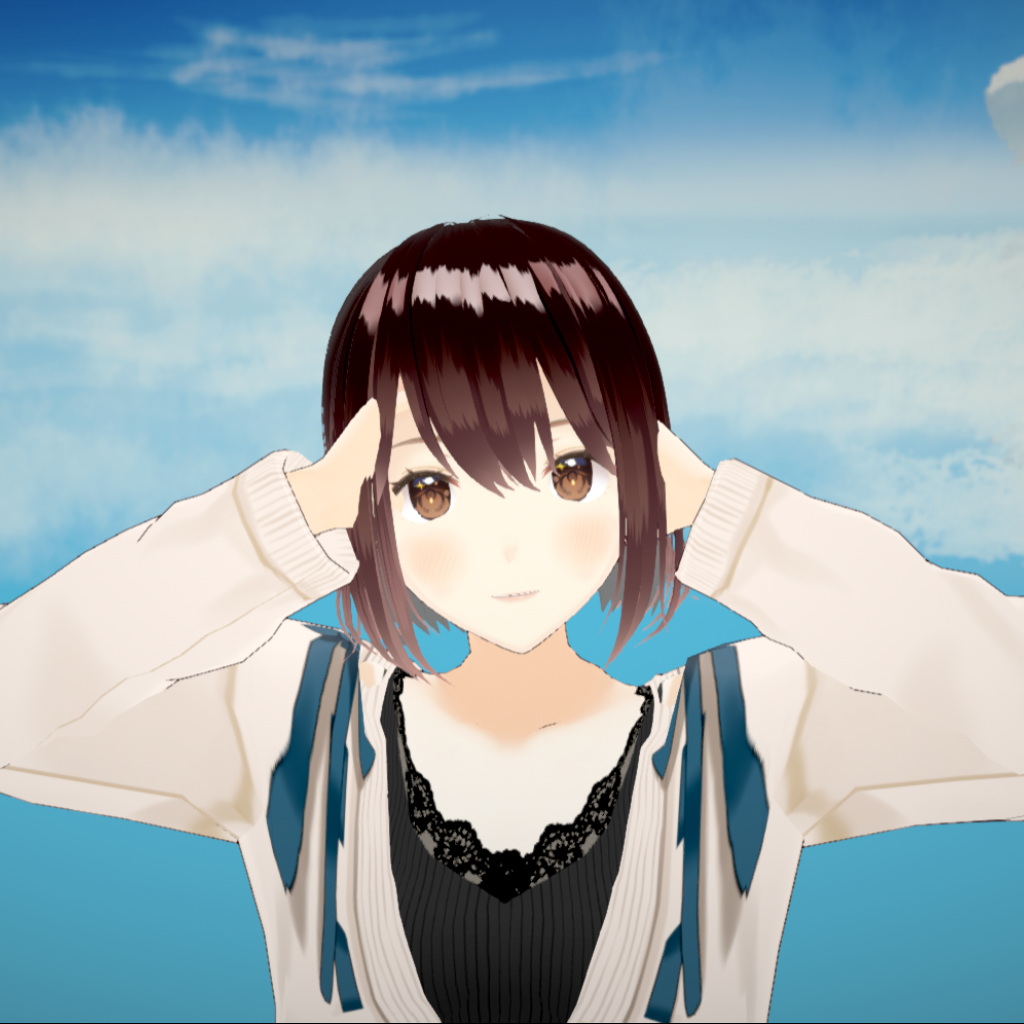
Use Slider to drag the divider. The left side shows the result with anti-penetration Off. The right side shows anti-penetration enabled.

Choose a mode
| Mode | Description |
|---|---|
| SdfSearch | Forward search of a hand placement that minimizes collider penetration. |
| Ragdoll | Uses ragdoll for hands. |
| Hybrid | Uses SDF search and consults ragdoll when the result is ambiguous. |
Hybrid is the recommended opt-in mode for this public beta. It is still experimental.
Check colliders
Hand anti-penetration requires fitting body colliders to work. You can adjust colliders in Experimental > Colliders > Adjust Colliders. Turn on the collider overlay before you change collider values.
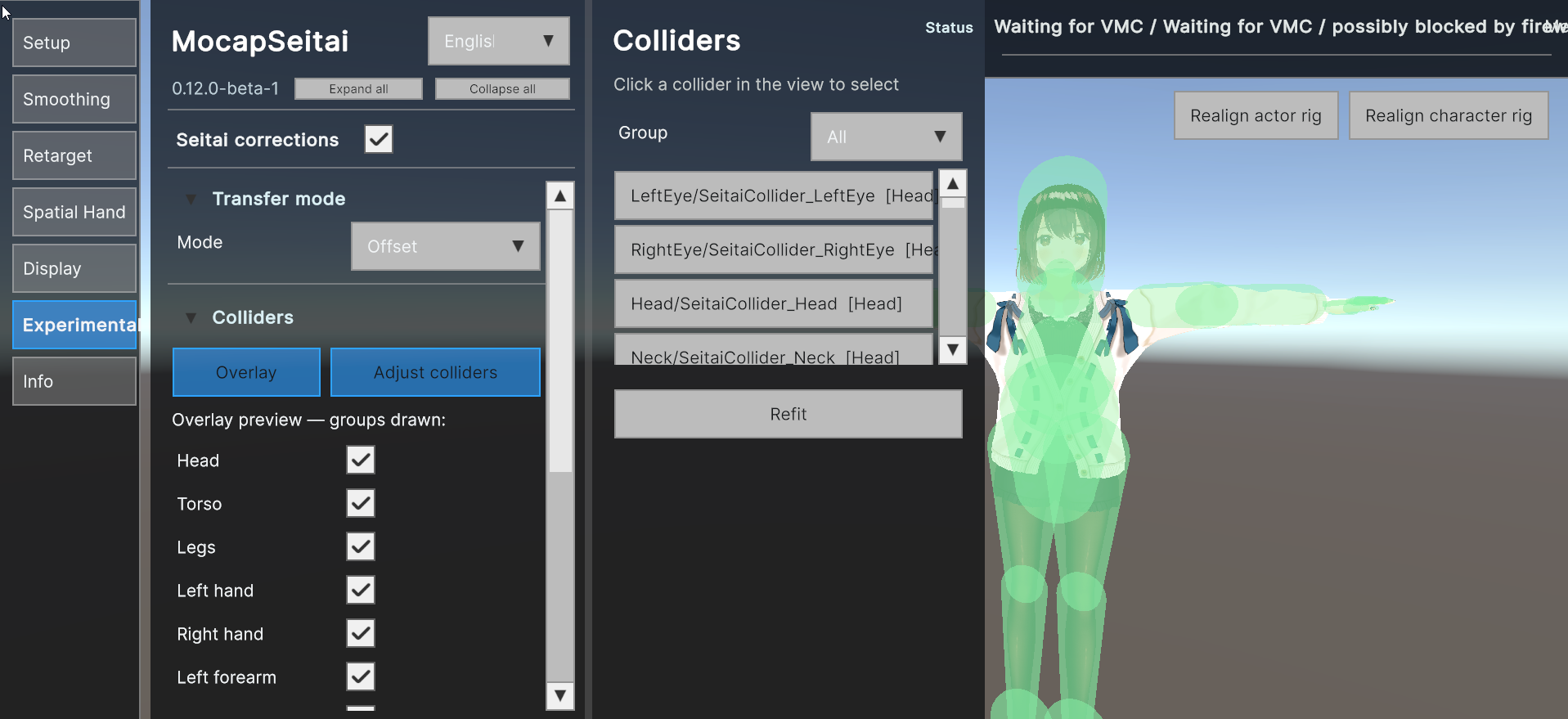
A collider that does not match the model can give a worse result.
Save collider edits in the avatar settings file. Test that file only with the avatar that it was made for.
Known limits
- Fast hand motion can still produce a bad result.
- A correction can trade clipping for a different hand pose.
- Clothing, accessories, and unusual avatar shapes can need manual collider work.
- The feature does not guarantee no clipping.
If the result is worse, set the mode back to Off and report the pose with diagnostics.